


SimpleSlugUpscale
An Avisynth 2.5.x scaling helper script, aimed at simplifying the process of converting one arbitrary input size and pixel aspect ratio to another by either cropping to fit or padding to produce letter, pillar, or windowboxed output. The only three vitally important things you must do to make it work as expected are:- Set prog=true if you're working with a progressive clip, otherwise make sure interlaced input is in the proper color space for your deinterlacer of choice
- Set widein=true if the clip is anamorphic (widescreen DV that's either NTSC or PAL, or 1440x1080 HD with a DAR of 16:9)
- Choose an output size
SimpleSlugUpscale(prog=true,widein=true,size="1080psq")
Full documentation is present in the script itself, including a Basic Use section that should make it relatively easy to get started. If you have trouble, or are unfamiliar with Avisynth, you may wish to see what you can gain from this tutorial covering the use of this script: SD video to HD dimensions with AvisynthDownload
Prerequisites
Progressive input:None
Interlaced input:
QTGMC (by default; other deinterlacers are also supported)
Examples
H.264 sample (~11MB) -- SimpleSlugUpscale v1.00, default settings; encoded with x264 revision 1745 (32bit, 8-bit depth from http://www.x264.nl/) using --preset slower --tune fastdecode --keyint 300 --sar 1:1
NTSC DV original (~60MB)
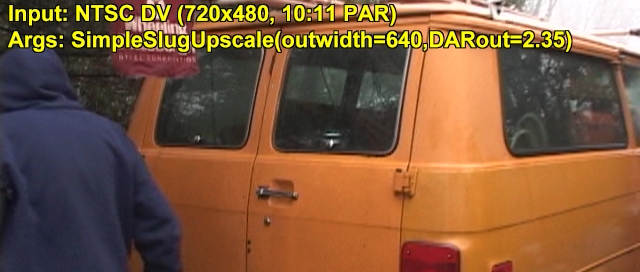
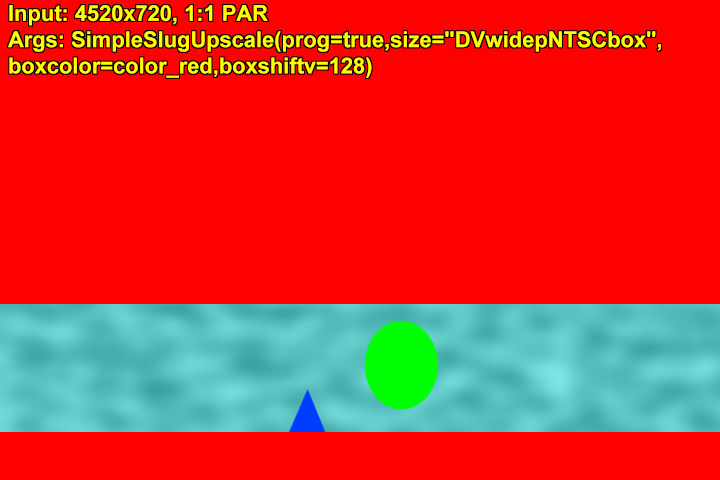
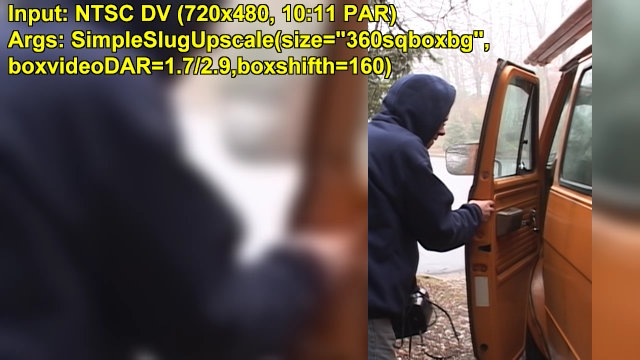
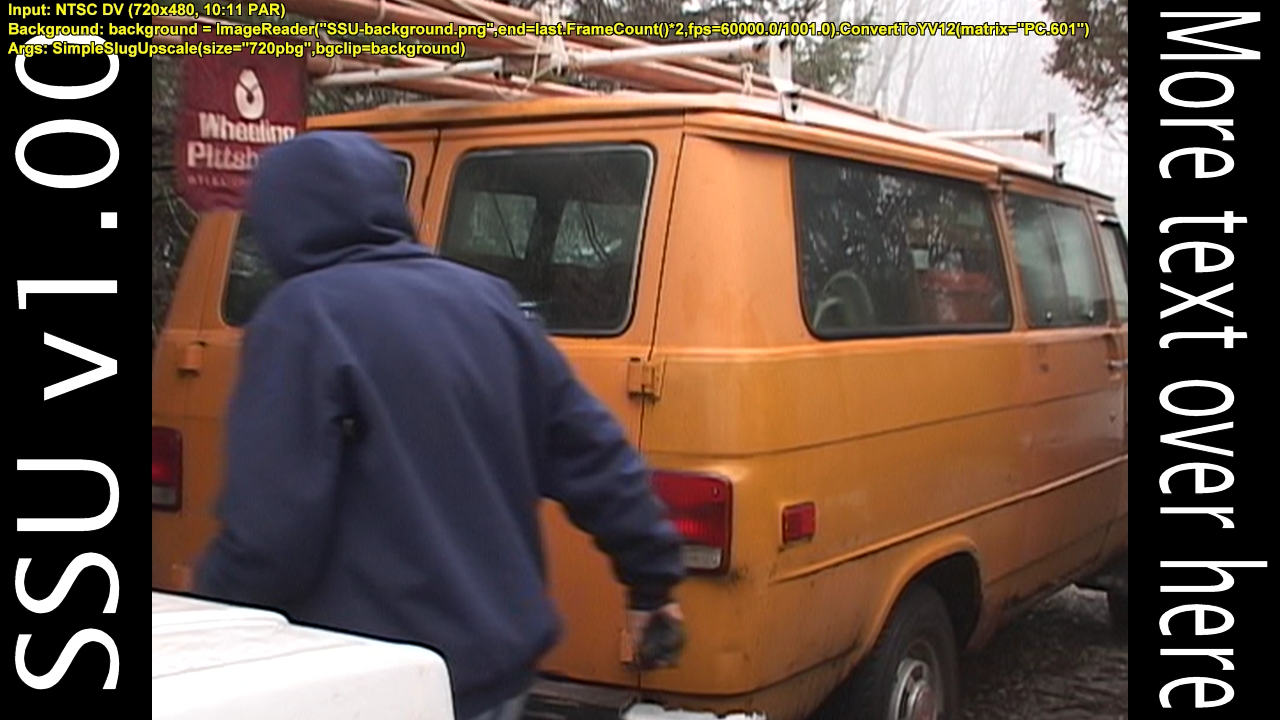
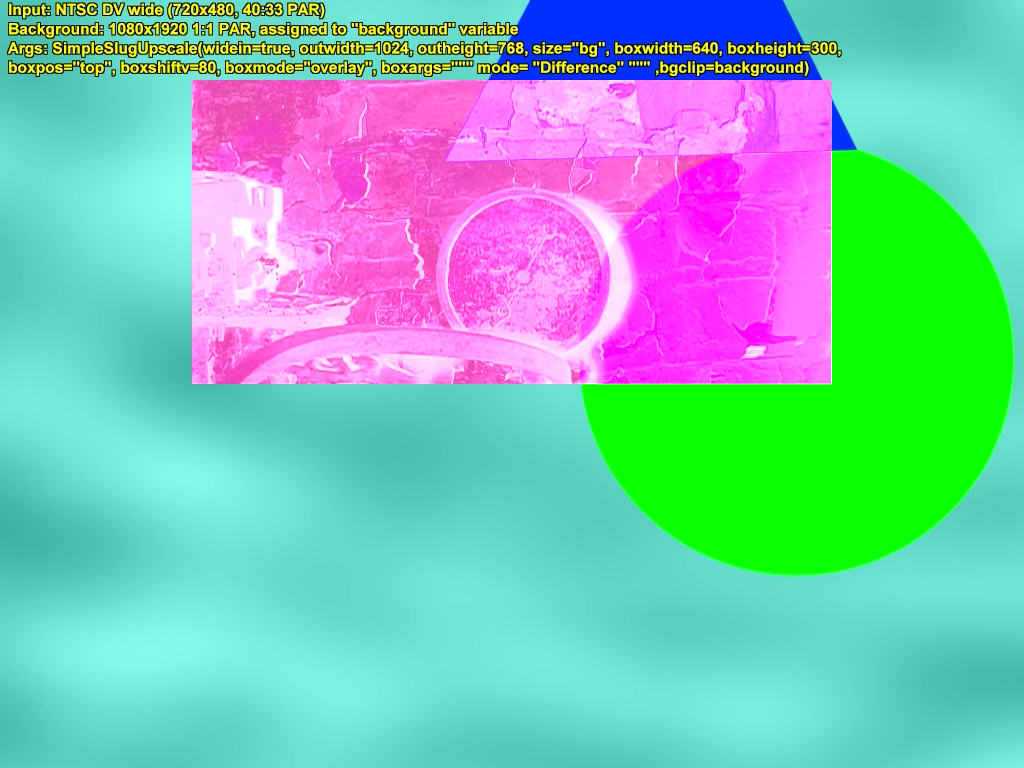
Click any thumbnail to see the full size image; please note these are merely samples of output sizes and shapes, not quality level. They're only JPEGs, after all.



Changes
1.13 - August 13th, 2013 - Fix box modes when input clip has no audio.1.12 - December 26th, 2011 - Used AudioDub to restore missing audio on output from 'box' modes, corrected edithreads try...catch block; now checks actual MT threads, not mode number.
1.11 - March 5th, 2011 - Replaced MotionBlur with ShutterBlur, as per QTGMC 3.20, fixed inefficiency with 'bobbed' assignment, revealed by QTGMC 3.20's global variable system, collapsed try...catch block onto one line, wasn't really worth spreading out.
1.10 - February 17th, 2011 - Cleaned up some grammar, typos, and outdated info in documentation, removed redundant check from shtrclp variable assignment, added globalDAR, globalDARnum, globalDARden, added DARin, tweaked shtrhack to allow basic use of new QTGMC motion blur system, fixed unbelievably stupid, roundabout method of negating cropleft/croptop for hshift/vshift, reinstated order-of-operations parentheses throughout script, switched to OOP notation when possible, easier to read, added more white space to especially dense portions of script, reworded Assert for drate/shtrhack combo, added LCase() conversions for strings queried with FindStr(), which is apparently case sensitive, changed lowest quality for deintcall to use QTGMC Draft preset instead of Bob (allows for motion blur), added try...catch block to limit spawning of NNEDI3 threads in QTGMC deinterlacing.
1.02 - November 15th, 2010 - Corrected oversight with bwrequest/bhrequest in box function (thanks to Nico Feragnoli for the note), updated PAL DV pixel aspect ratios (found these in henryho_hk's resizing script, realized they work better), changed 0s in PARout and DARout checks to 0.0, for consistency's sake, clarified grammar of step 3 in Basic Use, improved interlacing check for shtrclp.
1.01 - November 5th, 2010 - Added 'interlaced' parameter to allow choice of field order.
1.00 - November 5th, 2010 - Switched to QTGMC as default deinterlacer, kept old presets for backward compatibility, added horizontal resizing before deinterlace for downscales from interlaced source material, added windowbox modes, added boxwidth and boxheight parameters to allow custom window dimensions, removed Asserts for hshift, vshift, boxshifth and boxshiftv, changed box script to emulate ability of Layer/Overlay to shift window out of frame, added boxmode parameter to allow use of Layer and Overlay for box sizes, to make use of blend modes, added boxargs parameter to let user specify blend modes, levels, and other such options for said filters, added bgclip parameter to allow separate clip to be loaded as background (station ID graphics, for example), added boxpos parameter to provide preset positions for box, added resizev parameter to specify separate resizer for vertical resize, added ep2 and 3 to pass extra parameters to resizev, relaxed default mod values to 8.0, except in box modes, simplified box function, now generates center and bg by calling SimpleSlugUpscale, rearranged bobbed/shtrclp business to fix a problem with drate that was introduced with new box function, removed several unnecessary steps in crop value generation, added bgargs parameter to pass custom SSU arguments for generation of background, added framerate check to shtrclp processing, detects same-rate deinterlacers if used, made Basic Use section of docs simpler in an attempt to scare off fewer people, commented portions of script to try and explain my line of thinking.
0.9 - July 20th, 2010 - Added DARout parameter, and associated logic, to allow auto generation of custom output dimensions when only some information is known, added boxvideoDAR to let users change shape of center section in "box" or "boxbg" modes, added boxshifth and boxshiftv for shifting center frame up and down or back and forth within overall frame, changed modw default to 16.0, changed modh default to 8.0 for "360sq" and all 1080 presets, 16.0 for everything else, simplified qual logic, redesigned resize condition to allow for older versions of Avisynth, removed two Asserts (unnecessary since hshift and vshift are silently rounded to mod 4 and 2, respectively), removed final BilinearResize in Box function as new design generates proper sizes without it, changed boxbgblur to float, wrapped outwidth, outheight, modw and modh in Float function (not strictly required, but I feel safer explicitly casting my variables), changed Round for outwidth, outheight, ctrwidth, and ctrheight to Ceil to allow mod values greater than the requested output dimension to function correctly, changed gausswidth in Box function to derive from outwidth instead of inwidthf, removed unnecessary Round of outwidth and outheight after crop argument calculation in main function, removed redundant "return" statement for both functions, passed inwidthf and inheightf straight into Box function from main instead of recalculating them, removed several unnecessary order-of-operations parentheses throughout script, added extra conditions to 'outwidth' check to improve reliability.
0.8 - May 10th, 2010 - Redesigned script to allow arbitrary frame sizes and pixel aspect ratios for both input and output, restructured deinterlacing process to allow the use of any bob deinterlacer available for Avisynth, added 'prog' parameter to allow progressive input to bypass colorspace conversion and deinterlacing, rebuilt pillarbox function to handle both pillar and letter boxes, added 'ep0' and 'ep1' to allow extra parameters for whichever resizer is used, added 'PARin' and 'PARout' to facilitate use of custom pixel aspect ratios, removed 'croptop' parameter and replaced its functionality with 'vshift', also added 'hshift' to control horizontal offset of video for certain conversions, added 'boxcolor' to let user define color of letterbox/pillarbox, added 'boxbgblur' for control over amount of blur used when generating background video for "boxbg" sizes, added "dumbbob" qual preset, rewrote error handling for excessive 'vshift' and 'hshift' values (maximum values are now calculated automatically and presented to the user in the error message), removed colorspace conversion from script, reinstated 'size' default of "720p", resored some TGMC defaults for "balance" 'qual' setting.
0.7h - April 8th, 2010 - Added 'widein' option for working with anamorphic DV input, changed syntax of resize to use named arguments (allows Bicubic to work properly), corrected glaring error in interlaced output processing (thanks to Gavino and 2Bdecided of Doom9 for setting me straight with this), moved DV-size Assert to the top, where it belongs.
WARNING! Versions 0.7g and earlier of SimpleSlugUpscale produce incorrect interlaced output, and are only provided for educational purposes.
0.7g - April 6th, 2010 - Major rewrite; new approach helps protect against attempts at NTSC<>PAL conversion, which old script allowed but didn't do fully (handled frame size, not framerate). List of sizes changed somewhat as appropriate, reworded some documentation and chose new variable names to narrow script for readability (except shtrfix, which became shtrhack to clarify how barebones an approach it is), cleaned up pillarbox function, fixed drate/shtrhack Assert error message grammar, redesigned use of croptop and cropheight (removing them from SimpleSlugPillars as a result), changed GaussResize in pillarbox bg generation to target 320 by 180, then Bilinear Resize back up (provides more severe blur, less distracting pillars), added outwidth and outheight to simplify 'scaled' processing, moved check for valid 'size' to Assert, changed size default to DVfullp, slightly tweaked qual to allow varying TGMC versions.
0.6 - April 1st, 2010 - Put 'croptop' and 'cropheight' in alphabetical order for input to SimpleSlugPillars, allowed custom TGMC arguments, reintroduced "balance" qual option, eliminated "TGMCdefault", changed cropheight calc to remove data type conversions.
0.5 - March 21st, 2010 - Slightly simplified Assert for bad 'croptop' value, provided safer fallback for bad 'qual', changed default() calls to use capital Ds (Avisynth isn't case sensitive, but things like that still bother me), added 'resizer' var to allow for different scaling, rejiggered "bobbed" variable and removed "balance" qual option, making it the default.
0.4b - March 13th, 2010 - Exposed croptop parameter to function interface (requested by mj.cj), recognized unnecessarily complex equation for auto calculation of same, realized I don't understand software version numbering, renamed last version.
0.4a - March 12th, 2010 - Fixed crop dimensions to produce more accurate aspect ratios, eliminated cropargs variable, changed syntax of some lines to clean up script's presentation, changed quintuple Blur to one GaussResize for "boxbg" pillar generation, added croptop and cropheight variables, eliminated base variable, revised size table in comments, removed interlacing checks from shtrclp variable, swapped default value of shtrfix, reworded fallback subtitle for invalid 'size' setting.
0.3 - March 9th, 2010 - Reworked background generation for "boxbg" modes, no more need for VariableBlur and the associated FFTW3.
0.2 - March 4th, 2010 - Added 1440 modes (thanks to Per Magne Handegård for the reminder), renamed existing 1080 options to better reflect their output, cleaned up some unnecessary checks.
0.1 - March 1st, 2010 - Initial release